











 ? Message us on
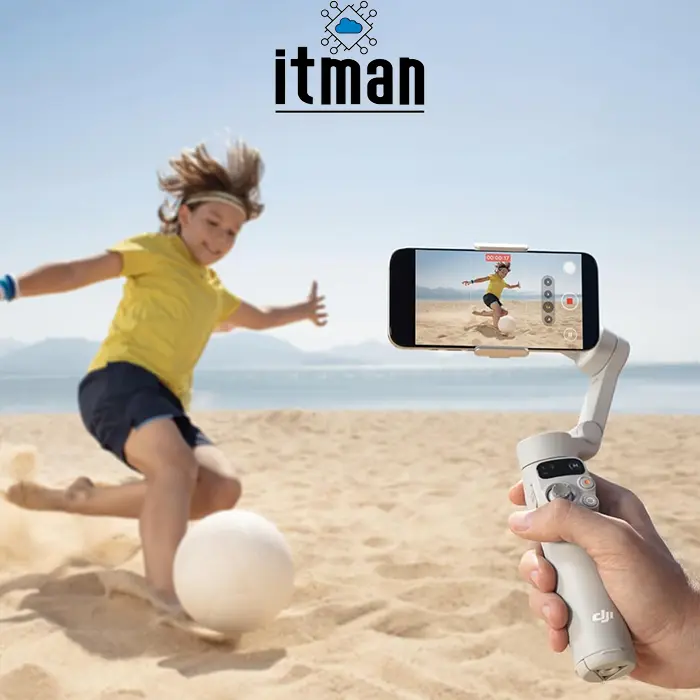
 The world of smartphone videography has evolved rapidly, and one device stands out as a decisive tool for creators on every level. Whether you’re a casual vlogger, professional filmmaker, travel content creator, or social media influencer, capturing smooth, cinematic footage with your phone has never been easier. Enter the DJI Osmo Mobile 7, a smartphone gimbal stabilizer designed to help users eliminate shaky footage and elevate storytelling through stable, dynamic shots. In a landscape where visual quality defines engagement, the DJI Osmo Mobile 7 is positioned as a powerful yet intuitive solution for anyone seeking professional-grade video stabilization without a complex learning curve.
What Is the DJI Osmo Mobile 7?
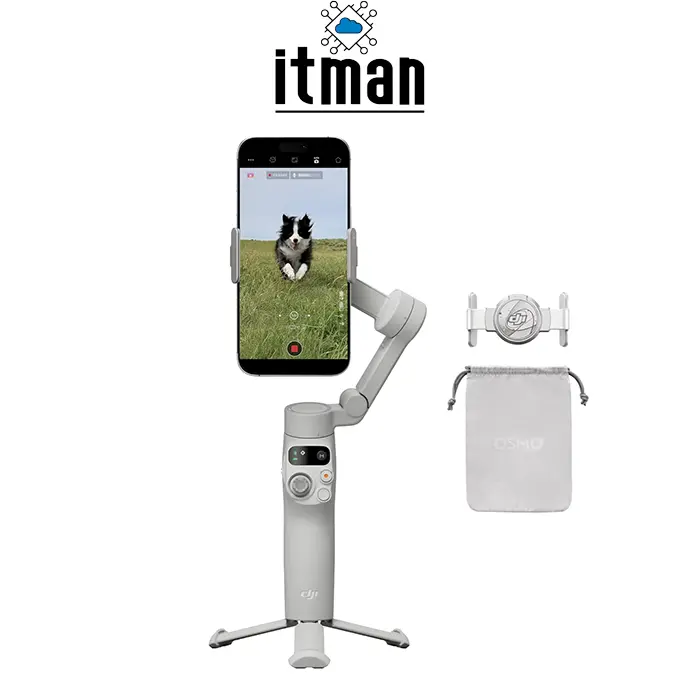
The DJI Osmo Mobile 7 is a three-axis handheld gimbal specifically engineered to provide superior stabilization for smartphone video recording. By actively compensating for hand movement across pitch, roll, and yaw axes, this gimbal allows users to shoot smooth footage regardless of motion. DJI, a leader in camera stabilization technology, has refined the Osmo Mobile lineup over multiple generations, and the Mobile 7 represents a culmination of smart features, ergonomic design, and intelligent software enhancements. With a lightweight but robust build, onboard controls, and access to advanced shooting modes, the Osmo Mobile 7 empowers users to produce inspiring content with minimal technical barrier.
Key Features of DJI Osmo Mobile 7
The DJI Osmo Mobile7 combines mechanical precision with intelligent performance. Below are some of its most impactful features:
Three-Axis Stabilization
At the heart of the DJI Osmo Mobile 7 is its three-axis gimbal system. This system actively stabilizes phone movement along three axes — tilt, roll, and pan — ensuring fluid motion even when walking or running. This mechanical stabilization is far more effective than digital stabilization alone, delivering cinematic results straight from your phone.
Lightweight and Ergonomic Design
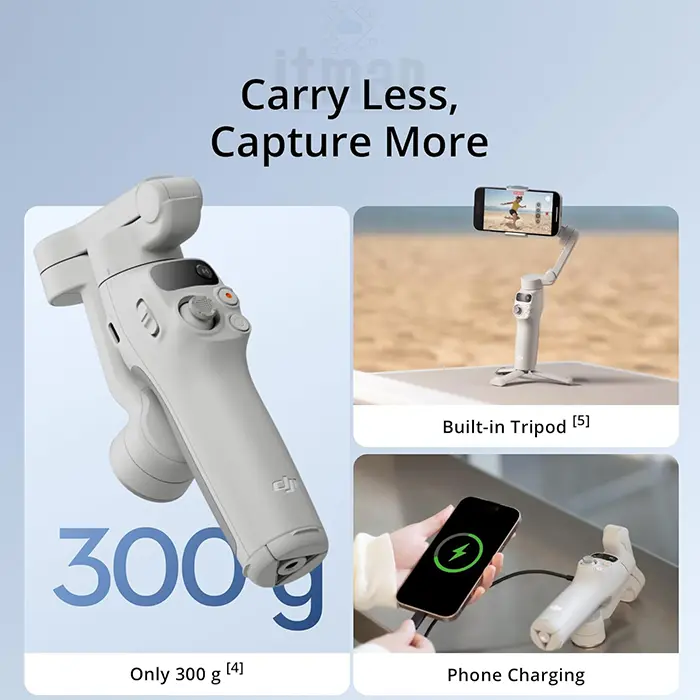
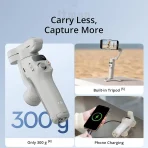
Weighing significantly less than traditional camera rigs, the Osmo Mobile 7 is comfortable to hold for extended shooting sessions. An ergonomic grip and streamlined layout promote fatigue-free use and make switching between portrait and landscape modes quick and intuitive.
Intelligent Shooting Modes
The DJI Osmo Mobile7 includes a suite of smart shooting functions:
- ActiveTrack 6.0: Keeps subjects in frame with improved prediction and precision.
- Gesture Control: Start or stop recording hands-free when posing.
- DynamicZoom & Timelapse: Creative cinematic flourishes without manual keyframing.
- Story Mode: Guided templates to compose shareable clips with minimal effort.
Quick Launch and Magnetic Mount
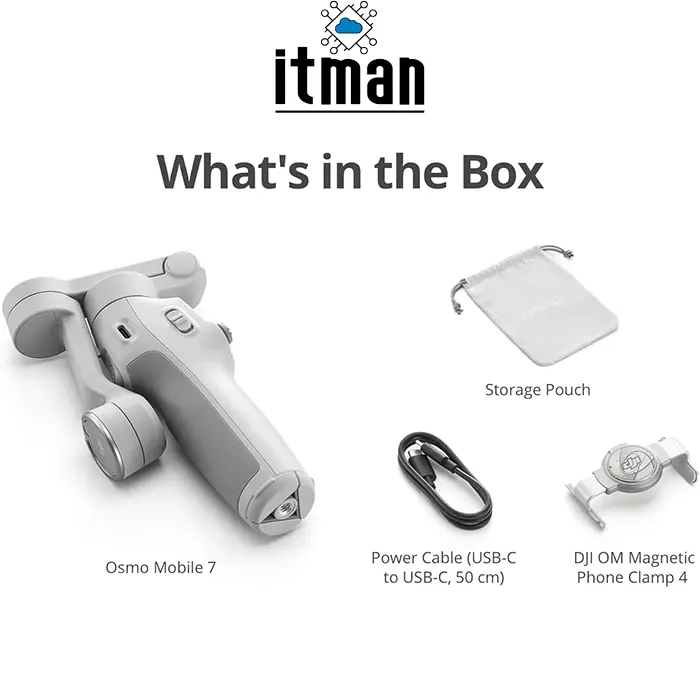
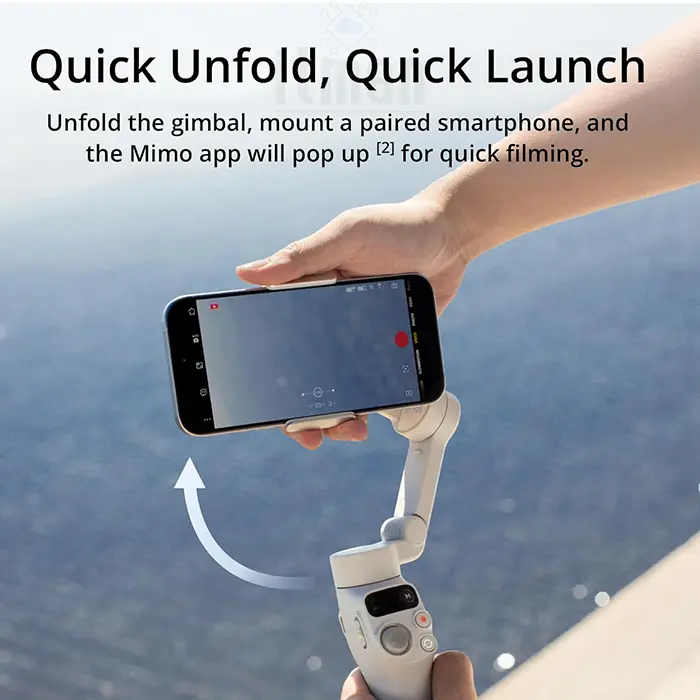
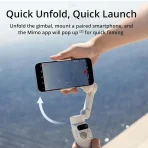
Magnetic quick-release phone clamps allow users to attach and detach devices in seconds. The quick launch capability lets you power up the gimbal and start shooting immediately, making spontaneous content creation easier.
How DJI Osmo Mobile 7 Enhances Everyday Filmmaking
Creativity often lies in capturing everyday moments in extraordinary ways. With the DJI Osmo Mobile 7, everyday scenarios become opportunities for compelling visuals.
Shooting Travel Footage
Travel visuals benefit greatly from stabilization. Whether you’re walking through a crowded street, riding a bicycle, or capturing cityscapes at sunset, the Mobile 7 keeps your frames smooth and professional. Time-lapse and hyperlapse modes enhance the storytelling of places you visit, adding dynamic pacing to travel videos.
Filming Action and Movement
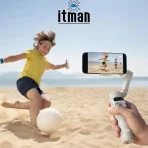
Traditional handheld footage tends to jitter with motion, but the DJI Osmo Mobile7 reduces micro-vibrations and larger shakes. From sports clips to running sequences, the gimbal tracks motion intelligently, maintaining fluid framing and minimal blur.
Creating Social Media Content with DJI Osmo Mobile 7
Social platforms like TikTok, Instagram, and YouTube Shorts thrive on dynamic, well-composed video. The DJI Osmo Mobile 7 is a valuable tool for creators focused on short-form content.
- Portrait Mode Mastery: Capturing vertical video is essential for mobile-first platforms. The DJI Osmo Mobile 7 supports rotational adjustment from landscape to portrait while maintaining stabilization. This lets creators switch formats fluidly without compromising quality.
- Vlogging and Interviews: With smooth gimbal motion and built-in tracking, solo creators can film engaging vlogs without a camera person. The Osmo Mobile 7’s ActiveTrack ensures subjects remain centered even if they move around the frame, and gesture control streamlines hands-free recording.
Comparison: DJI Osmo Mobile 7 vs. Other DJI Smartphone Gimbals
The following table compares the DJI Osmo Mobile 7 with three other gimbals from DJI’s lineup to highlight differences in features, performance, and value.
| Feature / Model | DJI Osmo Mobile 7 | DJI Osmo Mobile 6 | DJI OM 5 | DJI OM 4 |
|---|---|---|---|---|
| Stabilization Axes | 3-Axis | 3-Axis | 3-Axis | 3-Axis |
| Foldable / Portability | Yes | Yes | Yes | Yes |
| Magnetic Phone Mount | Yes | Yes | Yes | Yes |
| Intelligent Modes | ActiveTrack 6.0, Story | ActiveTrack 5.0, Story | ActiveTrack 3.0, Story | ActiveTrack 3.0 |
| Battery Life (Approx.) | ~7 hours | ~6.5 hours | ~6 hours | ~6 hours |
| Weight | ~375g | ~340g | ~290g | ~390g |
| Unique Selling Point | Advanced tracking & UI | Compact, improved UI | Smallest & lightest | Value older generation |
| Best For | Content creators & pros | Travelers & vloggers | Light pack creators | Budget gimbal users |
As seen in the comparison, the DJI Osmo Mobile 7 balances advanced tracking, solid battery life, and intuitive controls, positioning it as a strong choice for creators who want both performance and ease of use.
Why Choose DJI Osmo Mobile 7?
With many gimbals on the market, it stands out due to its blend of hardware and software:
- Precision Stabilization: Mechanical gimbal motors keep video stable across complex movements.
- Intelligent Software Tools: Smart modes take the guesswork out of cinematic shots.
- User-Friendly Interface: The combination of physical controls and companion app makes operation intuitive.
- Versatile Compatibility: Works with a wide range of phone sizes and camera configurations.
- Reliable Build Quality: DJI’s engineering ensures durability without excessive weight.
Complete Technical Specifications of DJI Osmo Mobile 7
Below is the comprehensive specs table for the DJI Osmo Mobile 7.
| Specification | Detail |
|---|---|
| Model | DJI Osmo Mobile 7 |
| Product Type | Smartphone Gimbal Stabilizer |
| Stabilization | 3-Axis (Tilt, Roll, Pan) |
| Weight | Approx. 375 g |
| Compatibility | Most smartphones (width 67–88 mm) |
| Battery Life | Up to ~7 hours |
| Charging Port | USB-C |
| Quick Mount | Magnetic clamp |
| Intelligent Tracking | ActiveTrack 6.0 |
| Shooting Modes | Timelapse, Hyperlapse, DynamicZoom, Story Mode |
| App Support | DJI Mimo |
| Gesture Control | Yes |
| Operating Temperature | 0°C to 40°C |
| Dimensions (Folded) | Compact & portable |
| Bluetooth / Connectivity | Wireless pairing with phone |
| Color Options | Standard DJI finish |
FAQ
Below are comprehensive questions and clear answers users frequently search for — none of which are covered in the main text.
1. What phones are compatible with DJI Osmo Mobile 7?
Most modern smartphones with a width between 67 mm and 88 mm are compatible. The magnetic mount accepts a wide range of phone sizes, including larger models.
2. Can I charge my phone while using the DJI Osmo Mobile 7?
Yes. As long as your phone supports pass-through charging with the magnetic adapter, you can charge while filming.
3. Does the DJI Osmo Mobile 7 work with third-party camera apps?
Yes. While full intelligent features work best with the DJI Mimo app, basic stabilization functions work with most camera apps.
4. How long does it take to fully charge the DJI Osmo Mobile 7?
Charging time varies by power source, but typically a full charge takes around 1.5-2 hours using a compatible USB-C adapter.
5. Can I use DJI Osmo Mobile 7 for live streaming?
Yes. The gimbal can be used during live streaming apps when connected and mounted properly.
6. Does DJI Osmo Mobile 7 support automatic firmware updates?
Yes, through the DJI Mimo app. Updates bring performance improvements and new features.
7. What is the maximum payload for carrying heavier phones?
The DJI Osmo Mobile 7 is designed for standard smartphone weights. Devices significantly heavier than average–due to thick cases or add-ons–may reduce stabilization effectiveness.
8. Can I shoot vertical hyperlapse videos?
Yes. Vertical hyperlapse and timelapse are supported through the DJI Mimo interface.
9. Is there a warranty for DJI Osmo Mobile 7?
DJI products typically include a manufacturer warranty that varies by region; check your local DJI warranty terms.
10. Do I need extensive filming experience to use DJI Osmo Mobile 7?
No. The gimbal is designed for beginners and professionals alike, with smart modes and an intuitive interface to simplify creation.



















Reviews
There are no reviews yet.