












 ? Message us on
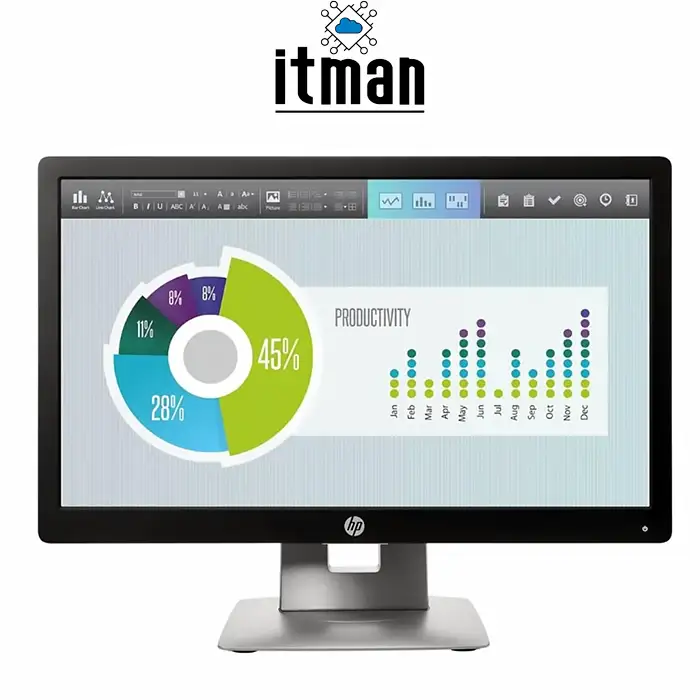
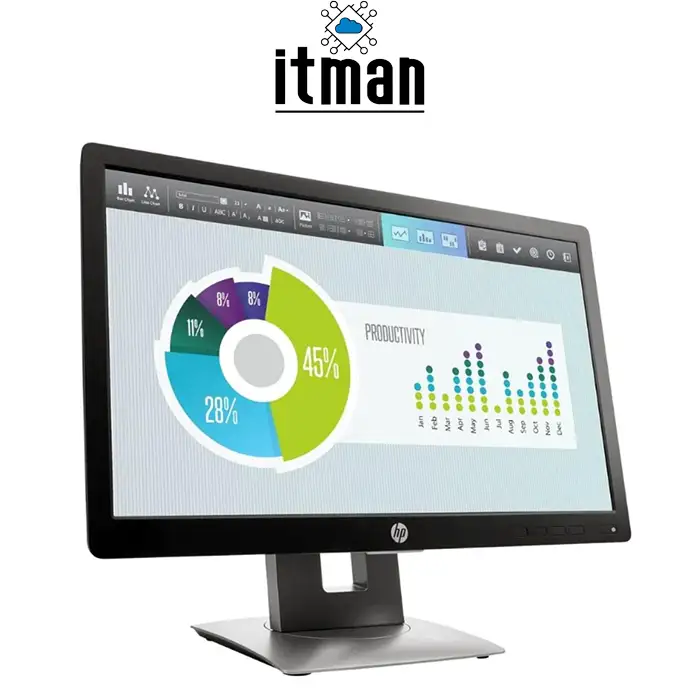
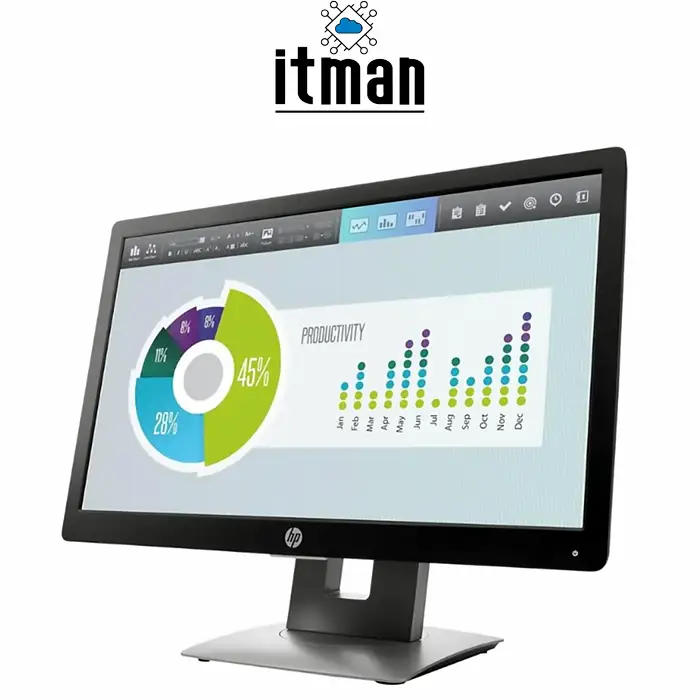
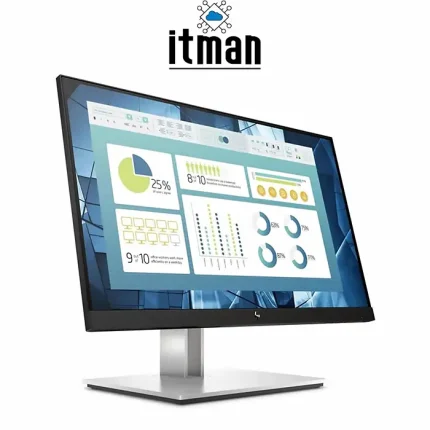
 The HP EliteDisplay E202 brings together a compact screen, flexible connectivity, and an adjustable stand in a monitor suited to everyday business use. Whether you are managing customer orders, preparing documents, browsing websites, or checking emails, this 20 inch HP monitor fits comfortably into a practical office setup.
For businesses and home users who need a monitor without taking up too much desk space, the HP EliteDisplay E202 20-inch IPS HD+ Monitor offers a useful balance of size and functionality. Its IPS panel, anti-glare surface, and ergonomic adjustments make it suitable for reception desks, administrative offices, retail workstations, and study areas.
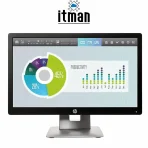
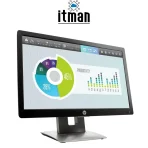
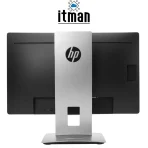
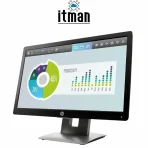
HP EliteDisplay E202 20-inch IPS HD+ Monitor
The HP EliteDisplay E202 features a 20-inch screen with a native resolution of 1600 × 900 pixels. This HD+ resolution provides a suitable workspace for common applications such as word processors, email clients, accounting software, and web browsers.
Its 16:9 widescreen format works well with everyday computer software and video content. The compact display size is particularly useful where a larger monitor would occupy too much space, such as a reception counter or a small home office desk.
For the best image clarity, use the monitor at its native 1600 × 900 resolution. Selecting a lower resolution may make text and interface elements appear less sharp.
IPS Panel for Consistent Viewing
The HP EliteDisplay E202 uses an IPS panel, which helps maintain consistent colours and visibility when viewed from different positions. Its wide viewing angles are useful when sharing the screen with a colleague or showing information to a customer.
At a reception desk, for example, you may need to show an appointment, quotation, or order confirmation to someone sitting beside you. The IPS panel makes this easier without requiring both viewers to sit directly in front of the screen.
The display offers viewing angles of up to 178 degrees horizontally and vertically, providing flexibility when positioning it on a desk.
Anti-Glare Screen for Office Environments
Reflections from windows and overhead lighting can make a screen harder to read. The HP EliteDisplay E202 includes an anti-glare surface to help reduce distracting reflections during everyday use.
This is useful in offices, shops, and shared workspaces where lighting conditions are not always easy to control. For a more comfortable setup, position the screen away from direct sunlight and adjust its brightness to match the room.
The monitor’s rated brightness of 250 cd/m² suits typical indoor working environments.
Adjustable Stand for Flexible Positioning
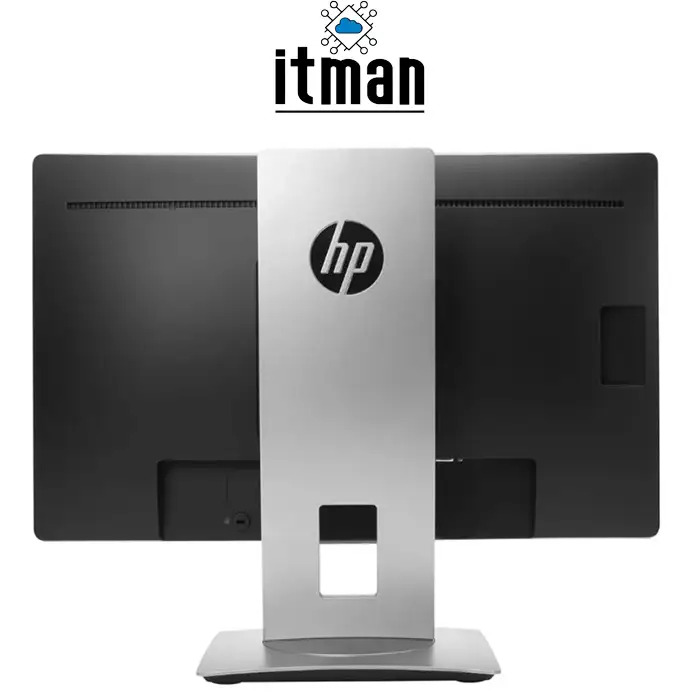
The stand is one of the most practical features of the HP EliteDisplay E202. It supports height adjustment, tilt, swivel, and pivot, allowing users to position the screen according to their desk height and sitting position.
With a 150 mm height adjustment range, you can raise or lower the display to a more suitable viewing level. Tilt adjustment helps align the screen with your line of sight, while swivel makes it easier to turn the display towards another person.
These adjustments are particularly helpful at shared workstations, where different users may need different screen positions throughout the day.
Portrait Mode for Documents and Lists
The monitor can rotate 90 degrees into portrait orientation. This arrangement can be useful when reading long documents, reviewing customer lists, or working with content that extends vertically.
To use portrait mode, rotate the screen and select the matching orientation in your computer’s display settings. This gives you another way to arrange your workspace depending on the task.
HDMI, DisplayPort, and VGA Connections
The HP EliteDisplay E202 monitor includes three video inputs, making it suitable for a range of computers and office setups.
HDMI Input
HDMI provides a convenient connection for compatible laptops, desktops, and other video sources. It is a practical choice when your computer already has an HDMI output.
DisplayPort Input
The DisplayPort 1.2 input allows connection to compatible business desktops, workstations, and laptops. It offers a digital video connection without requiring conversion when both devices have matching ports.
VGA Input
VGA connectivity is useful for older computers that remain in service. Businesses can connect compatible legacy equipment while retaining HDMI and DisplayPort options for other devices.
Before purchasing a cable or adapter, check the available output on your computer. If you need an adapter, confirm that it supports the correct connection direction.
Built-In USB Hub for Everyday Accessories
The HP EliteDisplay E202 includes two USB 2.0 downstream ports and one USB upstream port. These allow the monitor to function as a USB hub when connected to a computer using the upstream connection.
This can make it easier to connect a keyboard, mouse, or another compatible USB accessory, especially when the computer is placed under a desk or its ports are difficult to reach.
The USB hub requires its own upstream cable connection. Connecting the monitor through HDMI, DisplayPort, or VGA alone does not enable the USB ports.
A Practical Monitor for Business Workstations
The compact size and adjustable stand make the HP EliteDisplay E202 suitable for several everyday working environments.
Office Administration
For employees working with email, invoices, documents, and business software, the E202 provides a compact display that fits easily into a standard desk arrangement.
Reception and Customer Service
Reception staff can use the monitor for appointment systems, visitor records, and customer enquiries. Swivel adjustment also makes it easier to share information across a desk.
Retail and Inventory Management
The monitor can serve as a display for order processing, stock management, and other compatible retail applications. Its selection of video inputs is useful when connecting existing business computers.
Home Office and Study
For browsing, writing assignments, attending online lessons, or handling routine work, the E202 offers a manageable screen size with flexible positioning.
Secondary Display
The monitor can also be used beside a main screen to display emails, reference documents, or messaging applications, provided your computer supports an additional display.
Choosing the Right Screen Size for Your Work
A 20-inch monitor works well when desk space is limited and most tasks involve one main application at a time. It is a sensible size for routine administration, customer service, and general computer use.
If your work involves large spreadsheets, detailed design projects, or several windows displayed side by side, consider how much screen space you need before choosing. The HP EliteDisplay E202 is best suited to users who value a compact workspace and practical everyday functionality.
HP EliteDisplay E202 Technical Specifications
| Specification | Details |
|---|---|
| Brand | HP |
| Product series | EliteDisplay |
| Model | E202 |
| Display size | 20 inches / 50.8 cm |
| Panel type | IPS |
| Backlight | LED |
| Native resolution | 1600 × 900 pixels |
| Resolution category | HD+ |
| Native refresh rate | 60 Hz |
| Aspect ratio | 16:9 |
| Screen surface | Anti-glare |
| Brightness | 250 cd/m² |
| Static contrast ratio | 1000:1 |
| Response time | 7 ms grey-to-grey |
| Horizontal viewing angle | 178° |
| Vertical viewing angle | 178° |
| HDMI input | 1 |
| DisplayPort input | 1 × DisplayPort 1.2 |
| VGA input | 1 |
| USB downstream ports | 2 × USB 2.0 |
| USB upstream port | 1 |
| Height adjustment | 150 mm |
| Tilt adjustment | Supported |
| Swivel adjustment | Supported |
| Pivot rotation | 90° |
| Input voltage | 100–240 V AC |
Why Choose the HP EliteDisplay E202?
The HP EliteDisplay E202 20-inch IPS HD+ Monitor is a practical option for users who need a compact business display with useful stand adjustments and multiple connection options.
Its main advantages include:
- Compact 20-inch size for smaller desks and counters.
- IPS panel for wide viewing angles.
- Adjustable stand with height, tilt, swivel, and pivot functions.
- HDMI, DisplayPort, and VGA inputs for flexible computer connectivity.
- Integrated USB hub for compatible accessories.
- Anti-glare surface for typical indoor workspaces.
Buy HP EliteDisplay E202 in Dubai, UAE
Set up your office, reception desk, or home workspace with the HP EliteDisplay E202 from ITMan. Its compact design, adjustable stand, and versatile video connections make it suitable for everyday business and personal computing.
Contact ITMan for the latest price and availability in Dubai and across the UAE. Confirm the product condition, supplied accessories, and applicable warranty when placing your order.




















Reviews
There are no reviews yet.