












 ? Message us on
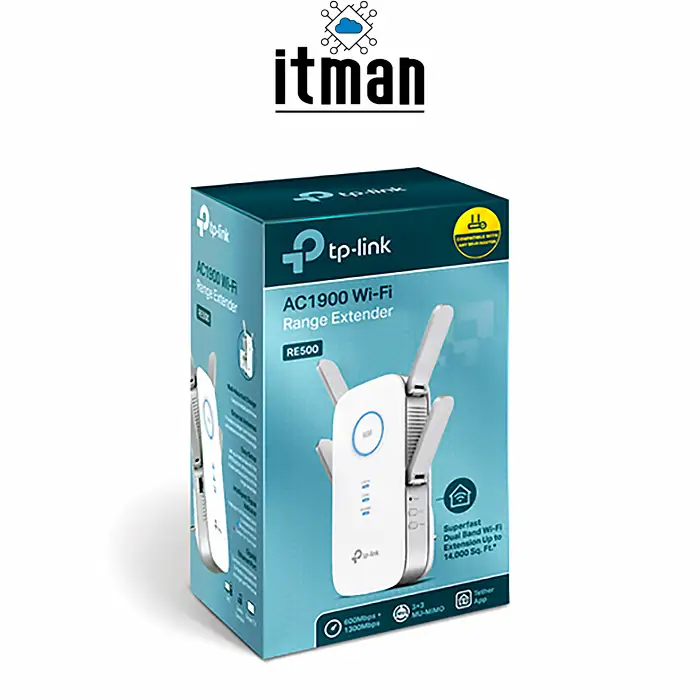
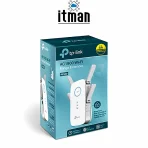
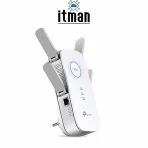
 The TP-Link RE500 AC1900 Wi-Fi Range Extender is designed to improve wireless network coverage in homes, offices, and small business environments where a standard router may not provide a sufficiently strong signal in every area. Weak Wi-Fi coverage can make everyday tasks such as browsing the internet, participating in online meetings, streaming videos, and accessing cloud-based applications less convenient. By extending an existing wireless network, the TP-Link RE500 helps provide connectivity in areas that may otherwise experience poor signal strength or inconsistent performance. It is a practical option for users who want to expand their wireless coverage without replacing their current router or installing a completely new network infrastructure.
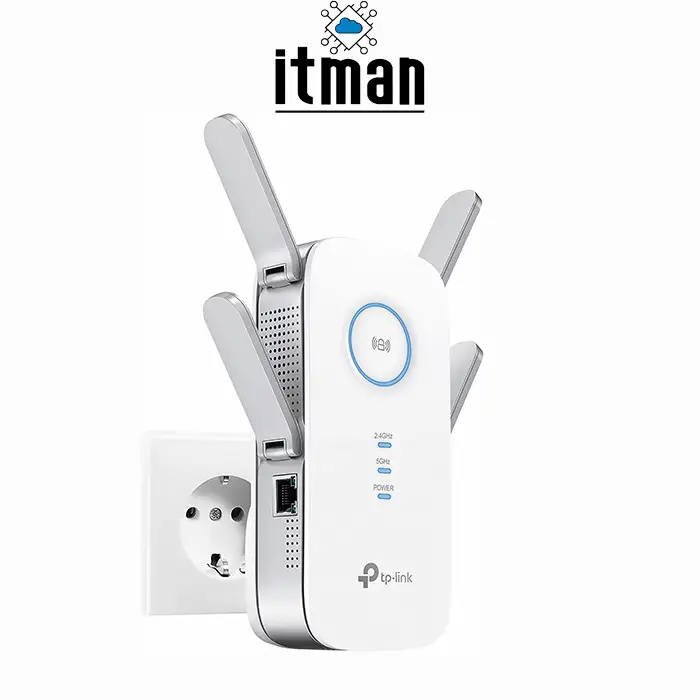
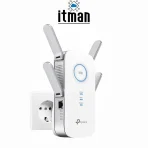
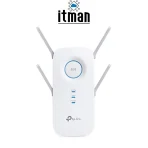
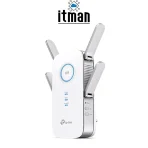
With dual-band wireless technology, a combined theoretical speed rating of up to 1900Mbps, four external antennas, and a Gigabit Ethernet port, the TP-Link RE500 offers several useful features for improving network accessibility. It supports both 2.4GHz and 5GHz wireless bands, allowing compatible devices to connect according to their requirements and the capabilities of the existing network. Whether you need better Wi-Fi coverage in a separate office room, a meeting area, or a home workspace, this range extender can help address common wireless coverage limitations when installed in an appropriate location.
Comprehensive Overview of TP-Link RE500 AC1900 Wi-Fi Range Extender
The TP-Link RE500 is an AC1900-class dual-band Wi-Fi range extender developed to expand the coverage of an existing wireless router. Instead of acting as a complete replacement for the router, it receives the existing wireless signal and retransmits it to improve connectivity in areas where the original signal is weaker. This makes it useful for environments where the router is located at one end of a building and wireless devices are frequently used in other rooms or work areas.
The device supports a combined theoretical wireless speed rating of up to 1900Mbps across its two frequency bands. Its four external antennas are designed to help distribute the wireless signal, while the Gigabit Ethernet port provides an additional connection option for compatible wired equipment. These features make the RE500 suitable for a range of general networking applications, including web browsing, file access, video streaming, online communication, and connecting selected devices to an extended network. Actual performance depends on factors such as the distance from the main router, interference, building materials, network congestion, and the capabilities of the connected equipment.
For businesses, the TP-Link RE500 can be considered when an existing wireless network needs additional coverage in a specific area without immediately investing in a more extensive wireless infrastructure upgrade. It may be useful in small offices, reception areas, individual workspaces, or rooms where running Ethernet cabling is inconvenient. However, organizations that require enterprise-grade wireless management, high client density, advanced roaming, or guaranteed network performance should evaluate dedicated wireless access points and a professionally designed network instead.
AC1900 Dual-Band Wi-Fi Technology
One of the main features of the TP-Link RE500 is its AC1900 dual-band wireless capability. Dual-band technology allows the device to operate across the 2.4GHz and 5GHz frequency bands, providing flexibility for different types of wireless connections.
The 2.4GHz band is commonly used for everyday connectivity because it generally offers better propagation through obstacles than 5GHz. It can be suitable for basic browsing, email, messaging, and devices located farther away from the router. However, this band may experience interference from neighboring wireless networks and other equipment operating on the same frequencies.
The 5GHz band can provide higher wireless throughput under suitable conditions, making it useful for activities such as high-quality video streaming, transferring files over a local network, and accessing bandwidth-intensive applications. Its effective range is generally more sensitive to walls and other obstacles than that of 2.4GHz.
The AC1900 rating represents the combined theoretical wireless speed of the supported bands, not a guaranteed speed for one device. Real-world throughput is influenced by the source router, signal quality, wireless interference, and the way the extender handles network traffic. Selecting the appropriate band and placing the extender where it receives a reliable signal can help improve overall performance.
Four External Antennas for Wireless Coverage
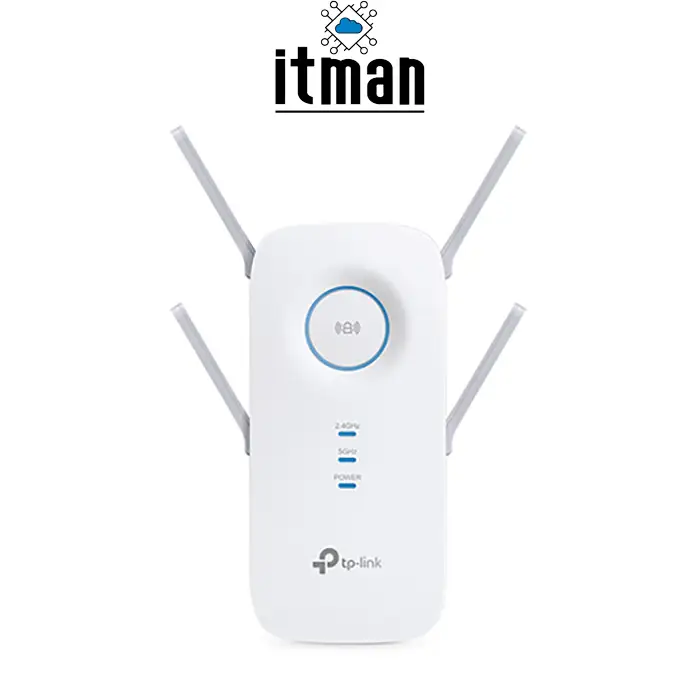
Wireless coverage is an important consideration when selecting a range extender. The TP-Link RE500 features four external antennas designed to support wireless signal distribution and help extend connectivity beyond the primary router’s immediate coverage area.
In homes and offices, wireless signals can be weakened by walls, floors, furniture, and other physical obstacles. A router that provides a strong signal in one room may not deliver the same experience in a distant bedroom, meeting room, or workspace. A range extender can help address these limitations by receiving the existing signal and retransmitting it to a selected area.
The effectiveness of the four external antennas depends on the installation environment and the signal available from the main router. Antennas alone cannot eliminate interference or overcome every physical obstacle. For the best results, users should position the TP-Link RE500 in an open location where it can receive a reasonably strong signal from the router while remaining close enough to the area that needs improved coverage.
Gigabit Ethernet Port for Wired Devices
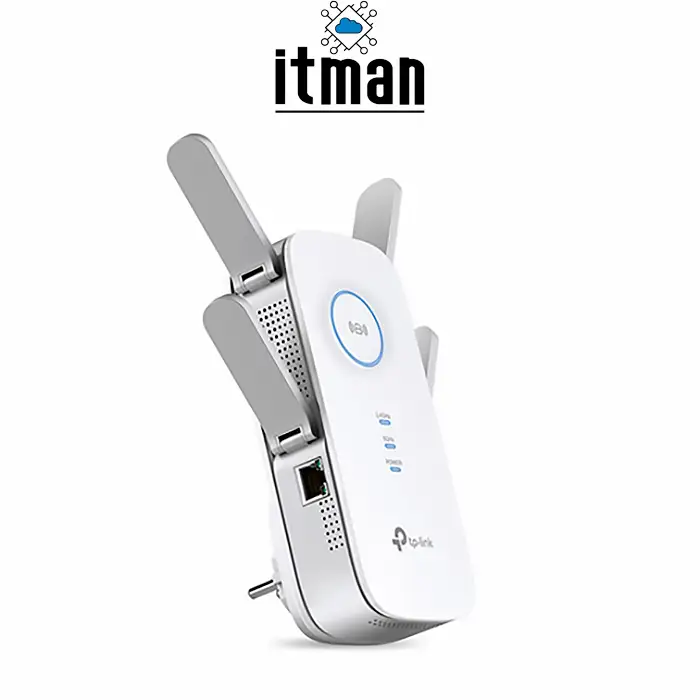
The TP-Link RE500 includes a Gigabit Ethernet port, providing a wired connection option for compatible network devices. This feature can be particularly useful when a device does not have built-in Wi-Fi or when a wired connection is preferred.
For example, a desktop computer, smart television, gaming console, or compatible office device can connect through Ethernet to access the extended network. This can simplify connectivity in locations where running a cable all the way back to the main router would be inconvenient.
The Ethernet port should not be confused with a dedicated internet connection or a standalone router. The RE500 extends an existing network, and the performance of a connected wired device still depends on the wireless link between the extender and the main router, as well as the capabilities of the rest of the network.
For office users, this arrangement can provide a practical way to connect selected equipment in a room where wireless coverage from the main router is insufficient. If a stable, high-throughput connection is essential for critical business applications, a direct Ethernet connection to the main network or a dedicated access point may be a more suitable solution.
Improve Wi-Fi Coverage in Homes and Offices
The TP-Link RE500 AC1900 Wi-Fi Range Extender can be useful in environments where the main router cannot provide consistent coverage throughout the entire building. Common examples include homes with multiple rooms, small offices with separate work areas, and buildings where the router is installed in a location that is not central to wireless users.
In a small office, weak Wi-Fi coverage can affect employees who need access to online applications, shared resources, video conferencing platforms, and cloud-based services. Extending the existing wireless network to a suitable area may improve accessibility for users who are located farther from the router.
At home, the device can help improve access in areas such as upstairs rooms, home offices, and spaces separated from the router by walls. The actual improvement will depend on the building layout and the strength of the original wireless signal.
It is important to understand that a range extender cannot create unlimited wireless capacity. If the main router has a slow internet connection, experiences congestion, or receives a weak broadband signal, extending Wi-Fi coverage will not automatically resolve those problems. The RE500 is intended primarily to address wireless coverage limitations rather than replace an internet service upgrade or solve every networking issue.
Installation and Placement Considerations
Correct placement is essential to getting useful results from a Wi-Fi range extender. Installing the TP-Link RE500 in an area where the router’s signal is already extremely weak may prevent the extender from providing a satisfactory connection to distant devices.
A better approach is to place the extender between the main router and the area that requires improved coverage. It should receive a sufficiently strong signal from the router while remaining close enough to the target area to make a difference. Avoid placing it directly behind large metal objects, inside enclosed cabinets, or next to equipment that may cause interference.
Before installation, check the product documentation for the supported setup procedure and network compatibility. Follow the manufacturer’s instructions to connect the extender to the existing router and configure the extended wireless network. Once installation is complete, test the connection in the locations where users normally work or browse the internet.
If the extended network performs poorly, try a different placement and check the signal strength at both the extender and the client device. In some environments, a wired access point may provide a more effective solution than a wireless range extender.
Compatibility with Existing Wireless Networks
The TP-Link RE500 is designed to extend a compatible existing Wi-Fi network, making it a potential option for users who want to improve coverage without replacing their current router. Before purchasing, it is advisable to verify the exact model specifications, supported wireless standards, and compatibility with the existing network equipment.
The overall network experience depends on the capabilities of the main router and the wireless devices connected to the extended network. Older client devices may not support every wireless feature, while newer devices may have capabilities that exceed those of the extender.
Users should also consider the number of connected devices and their bandwidth requirements. A range extender may be suitable for general connectivity in a small office or home, but environments with many simultaneous users or demanding applications may benefit more from dedicated access points connected through Ethernet.
For business networking projects, evaluating the existing router, building layout, client density, and expected data traffic can help determine whether the RE500 is an appropriate solution.
Practical Applications of TP-Link RE500
The TP-Link RE500 AC1900 Wi-Fi Range Extender can be considered for several common networking scenarios.
- Home Wi-Fi expansion: Extend wireless coverage to rooms where the router’s signal is weak, subject to suitable placement and network conditions.
- Small office connectivity: Improve wireless accessibility in selected work areas, meeting rooms, or individual offices that are outside the main router’s effective coverage.
- Home office setup: Help provide a more usable connection for laptops and other wireless devices in a workspace located away from the router.
- Wired device connectivity: Use the Gigabit Ethernet port to connect compatible equipment to the extended network.
- Network coverage improvement: Address selected Wi-Fi dead zones without immediately replacing the existing router or deploying a new wired network.
The most suitable application depends on the size of the coverage area, the construction of the building, the capabilities of the existing router, and the required level of network performance.
TP-Link RE500 Compared with a Standard Wi-Fi Router
A standard wireless router connects a local network to the internet and distributes network connectivity to wired and wireless devices. A Wi-Fi range extender serves a different purpose: it expands the reach of an existing wireless network.
The TP-Link RE500 can be useful when the main router already works correctly but its wireless coverage does not reach every required location. In this situation, extending the network may be more practical than replacing the router solely to address a coverage problem.
However, if the existing router is outdated, frequently disconnects, lacks the required network features, or cannot provide sufficient internet throughput, replacing or upgrading the router may be more appropriate. Likewise, a dedicated access point can be preferable when Ethernet cabling is available and a more reliable wireless infrastructure is required.
Understanding this distinction helps users select networking equipment according to their actual needs rather than relying only on the advertised wireless speed.
Important Considerations Before Purchasing
Before choosing the TP-Link RE500, consider the size and layout of the intended coverage area, the wireless standards supported by the existing router, and the number of devices that will connect to the network.
It is also important to distinguish between wireless coverage and internet speed. A stronger Wi-Fi signal can improve the connection between a device and the network, but it cannot increase the bandwidth provided by the internet service provider. Similarly, the advertised AC1900 speed is a theoretical combined rating and should not be treated as the guaranteed speed of an individual connection.
Product availability and lifecycle status should also be confirmed before purchasing. Buyers should verify the exact model number and regional product specifications, particularly when comparing the RE500 with similarly named TP-Link products.
For business deployments, contact a networking specialist if the environment requires centralized management, extensive coverage, seamless roaming, or support for a large number of simultaneous wireless clients.
Buy TP-Link RE500 AC1900 Wi-Fi Range Extender from ITMan.ae
If you need to improve wireless coverage in your home, office, or small business, the TP-Link RE500 AC1900 Wi-Fi Range Extender is an option worth evaluating for extending an existing compatible Wi-Fi network. Its dual-band wireless capability, four external antennas, and Gigabit Ethernet port provide useful connectivity features for selected coverage-expansion requirements.
ITMan.ae supplies networking equipment for customers in Dubai and across the UAE. Contact our team to enquire about the TP-Link RE500, confirm current availability, and discuss whether this model is suitable for your existing network configuration.
Looking for networking equipment in Dubai? Contact ITMan.ae today to request a quotation for the TP-Link RE500 AC1900 Wi-Fi Range Extender and find a suitable solution for your wireless connectivity requirements.


















Reviews
There are no reviews yet.